How to embed a video?
Embedding a video involves placing an<iframe> element on your webpage. By referencing the correct Bunny Stream embed url and including your video library and video IDs, you can display your video anywhere you like. Each embedded video is accessed via the following URL pattern:
<iframe>. For best results, we recommend using a responsive layout. If a fixed aspect ratio is required, a common approach is to use a container with a position:absolute;top:0;width:100%;height:100%; style, maintaining a standard 16:9 format or your desired ratio.
Example code:
Parameters
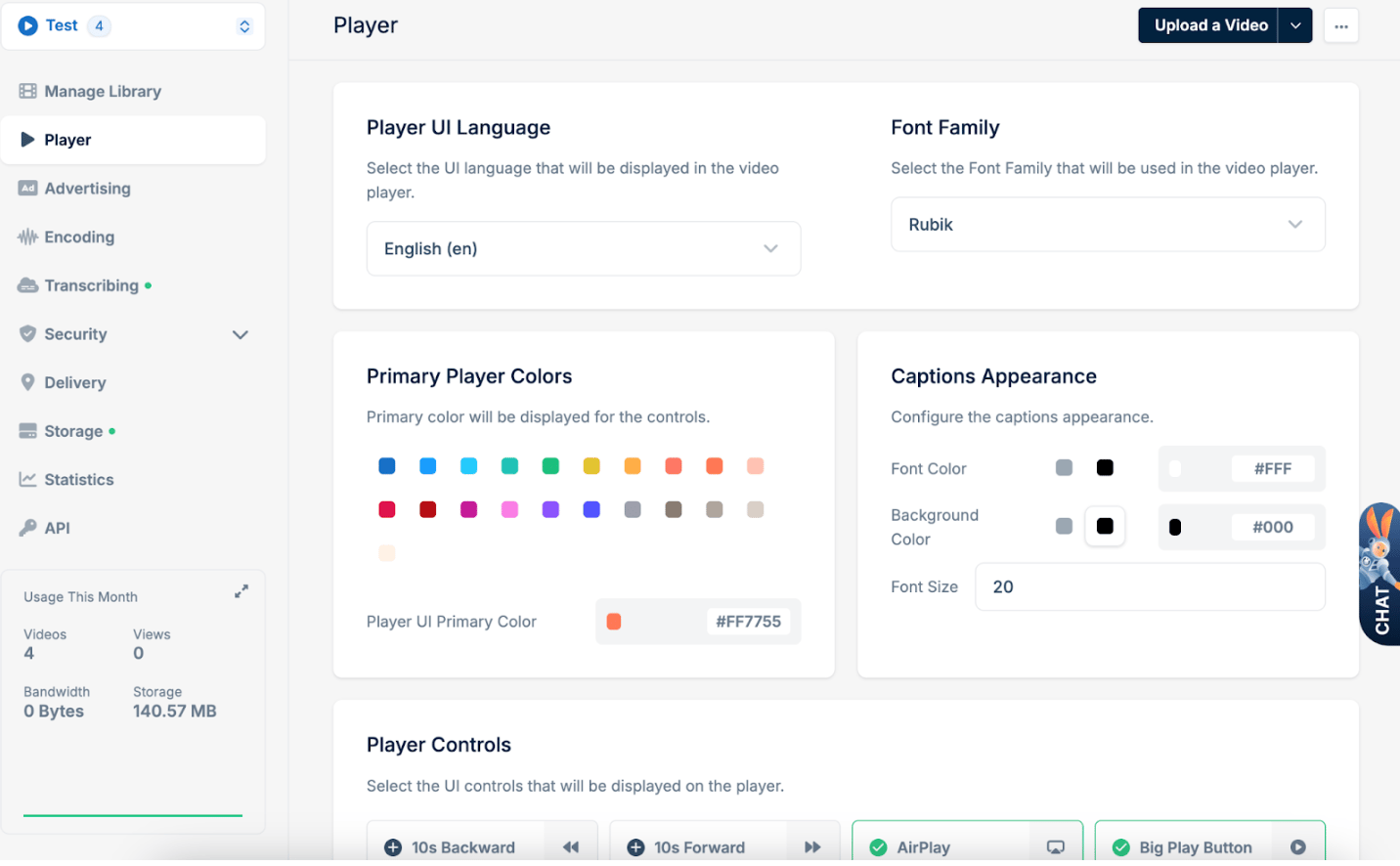
By default, many of the player’s controls and behaviors, such as captions, autoplay, and preload, can be configured on a global scale within the Player tab of your Bunny Stream library settings. Adjusting these default configurations ensures that any video embedded from that library inherits the same baseline behavior, providing a consistent user experience across all embedded instances.